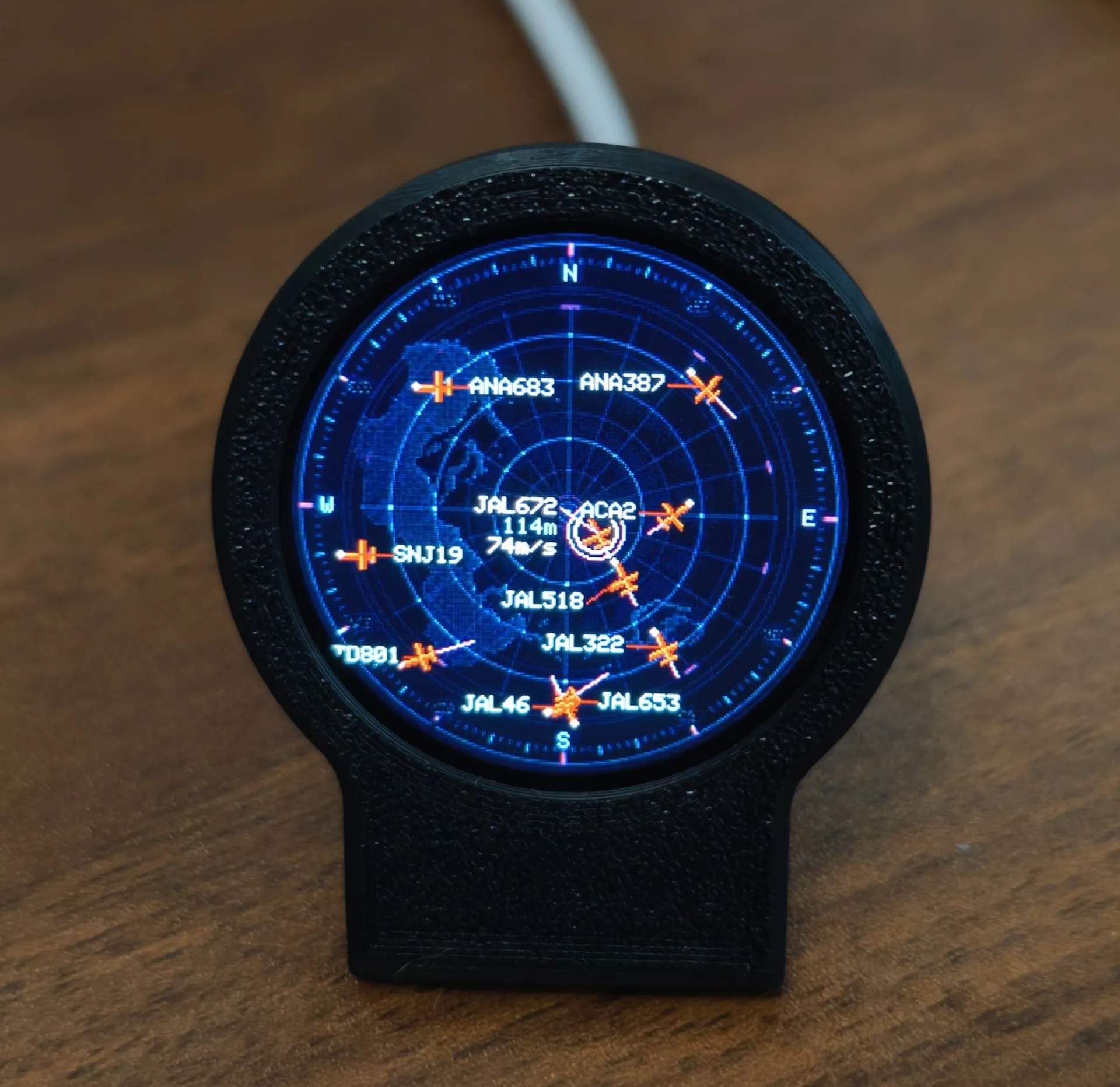
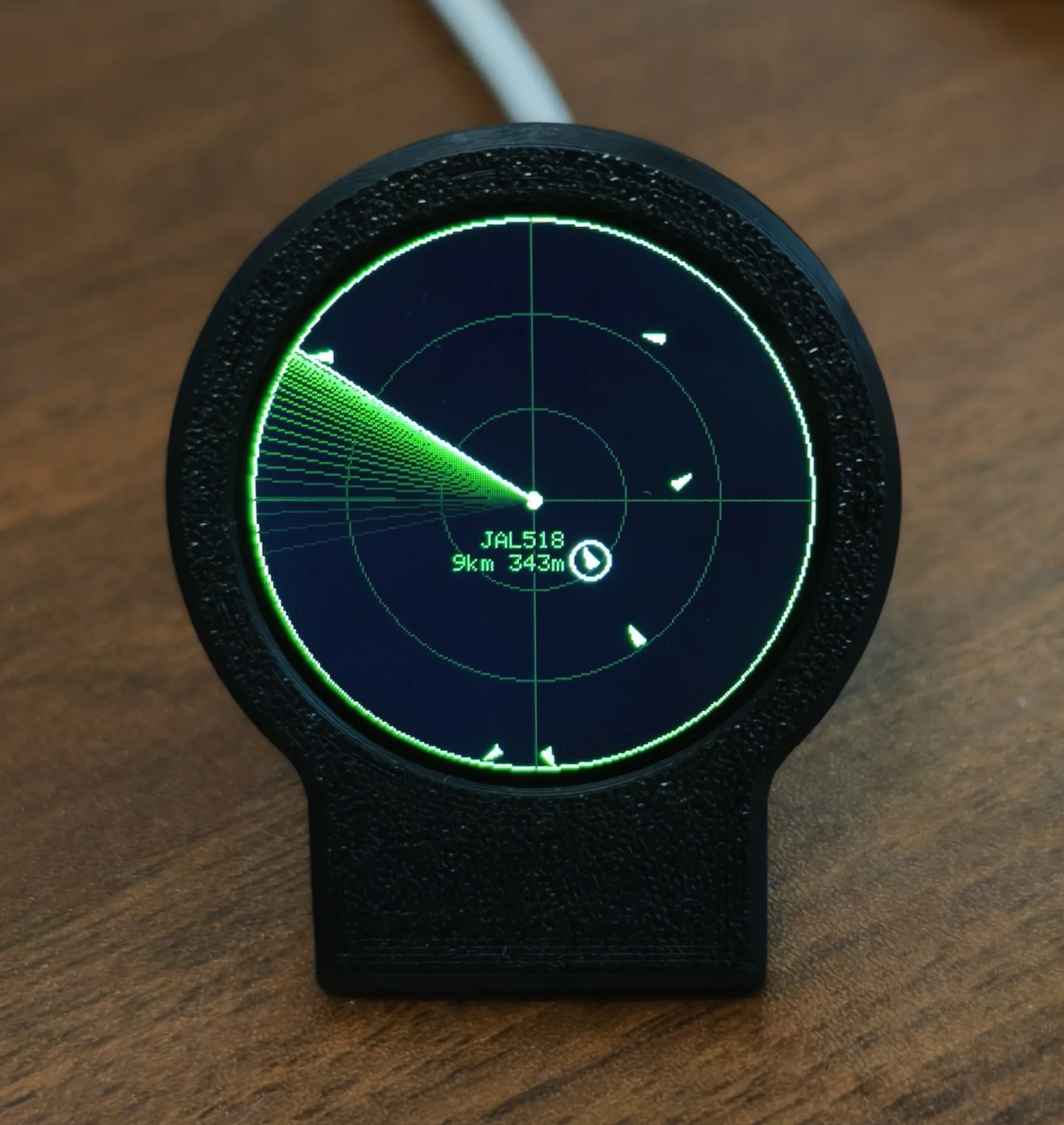
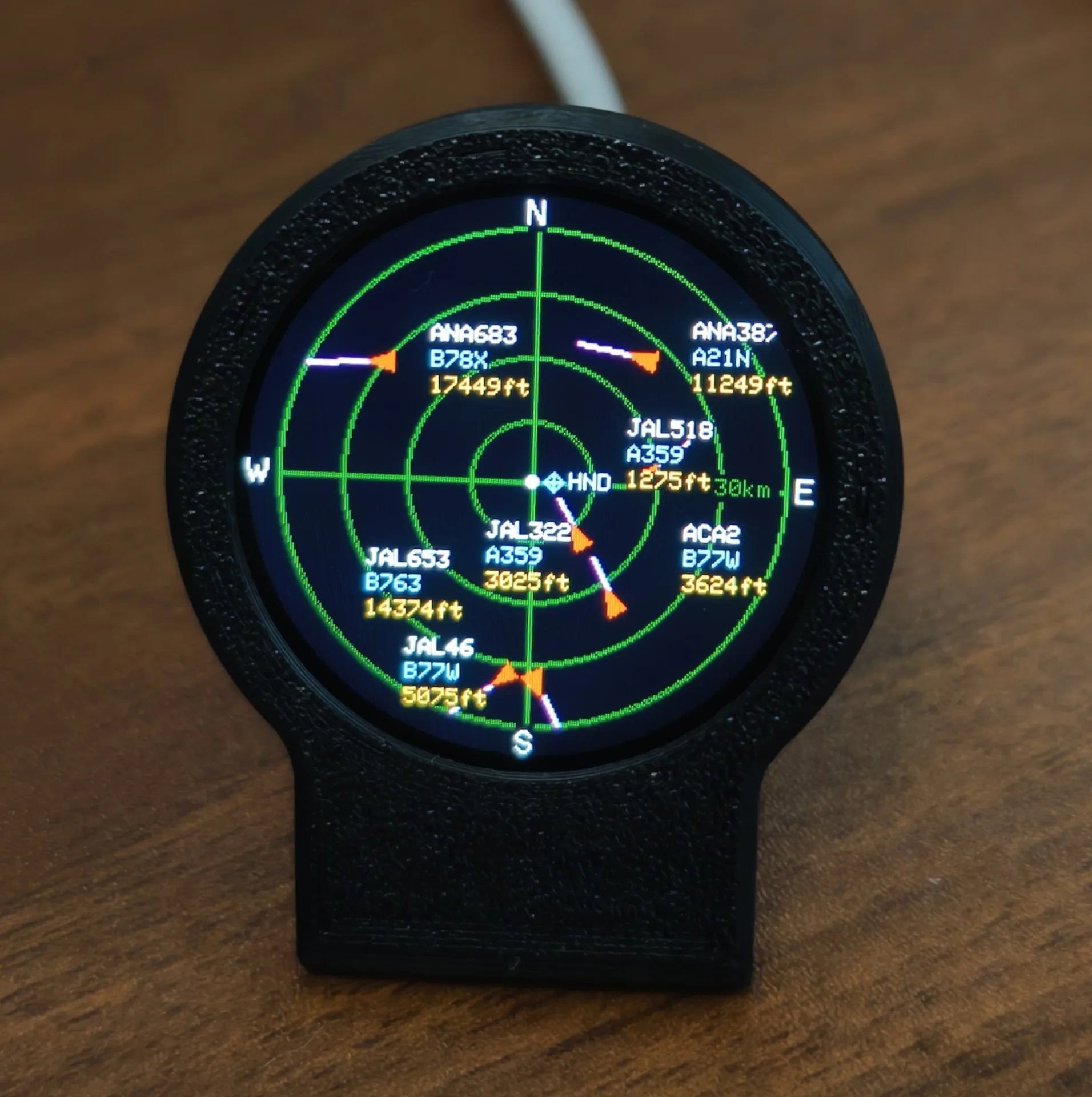
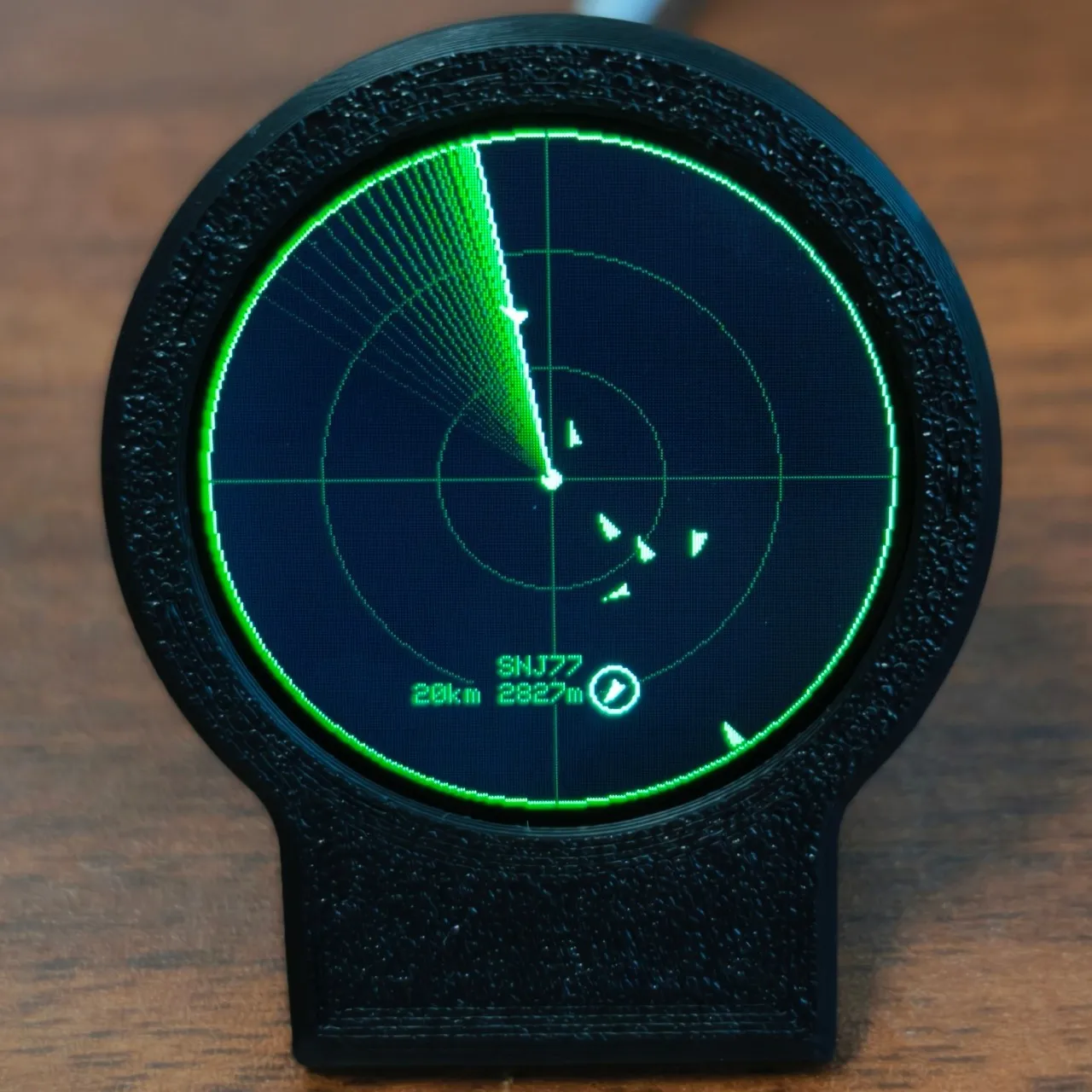
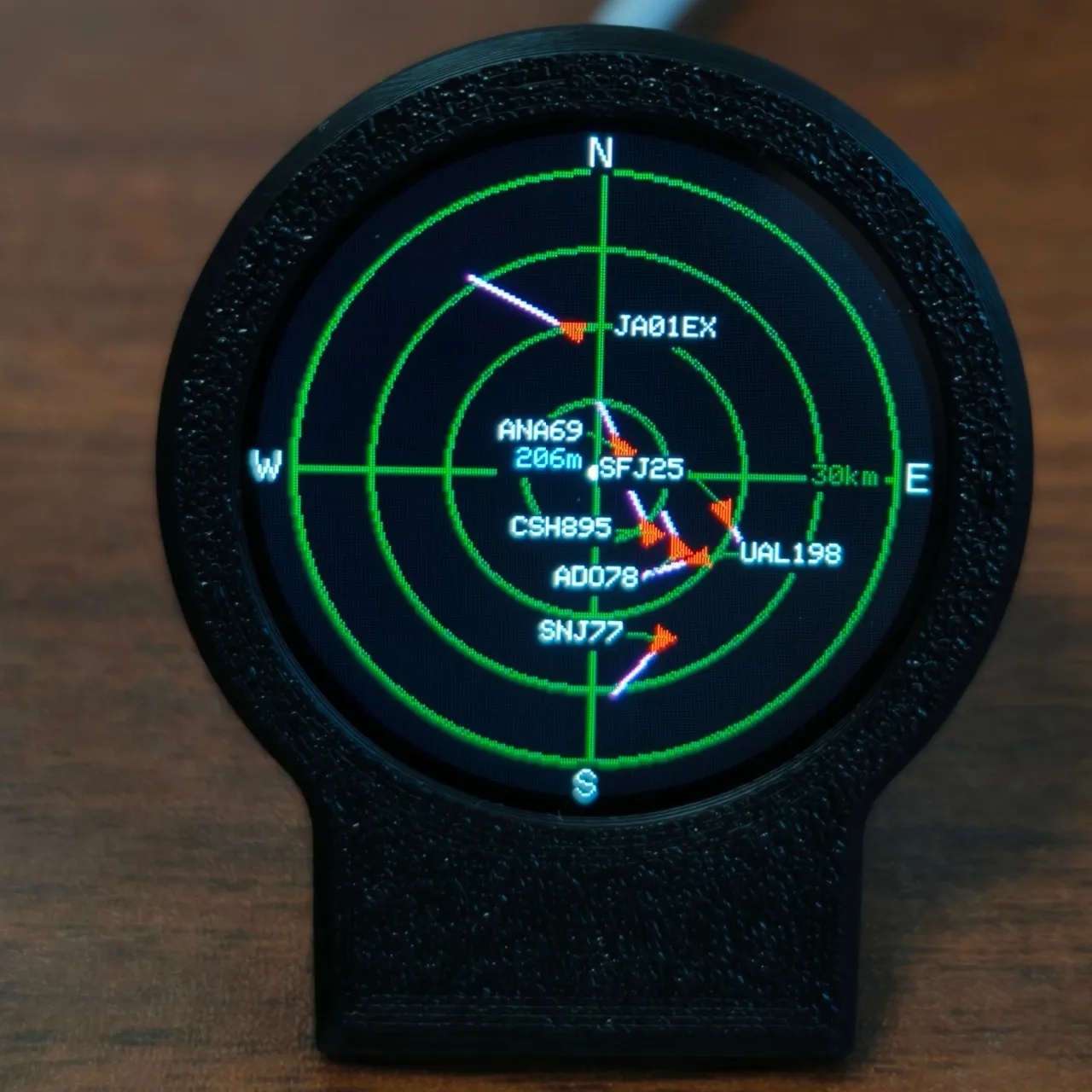
USB-C Deskradar, Live ADS-B Flight Tracker Gadget with Sonar Grid Screen With 3D Printed Case Aviation Desk Decor
black
€28,64
Skip to product information

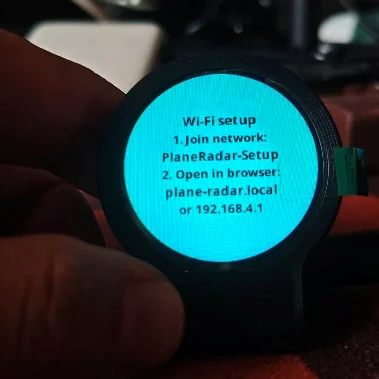
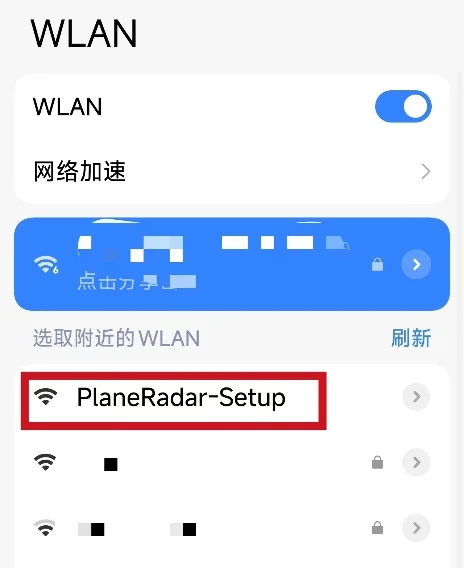
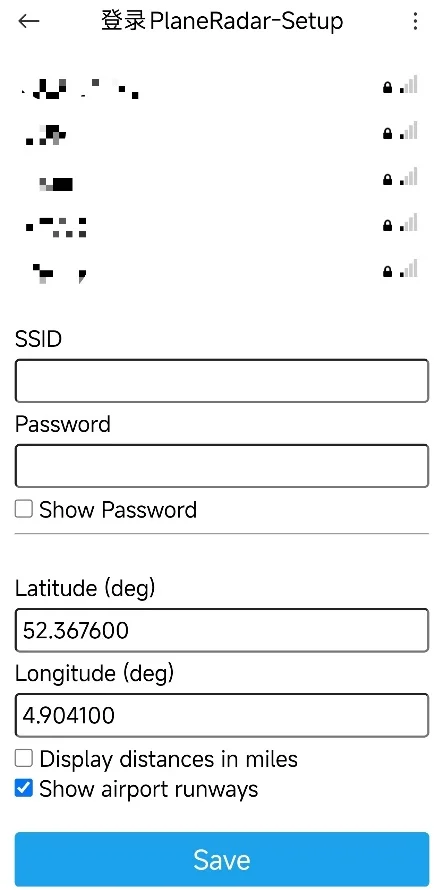


USB-C Deskradar, Live ADS-B Flight Tracker Gadget with Sonar Grid Screen With 3D Printed Case Aviation Desk Decor
€28,64
SPECIFICATIONS
Brand Name: NONE
Compatible Brand/Model: None
High-concerned chemical: none
Material: POLYESTER
Model Number: 1
Origin: Mainland China
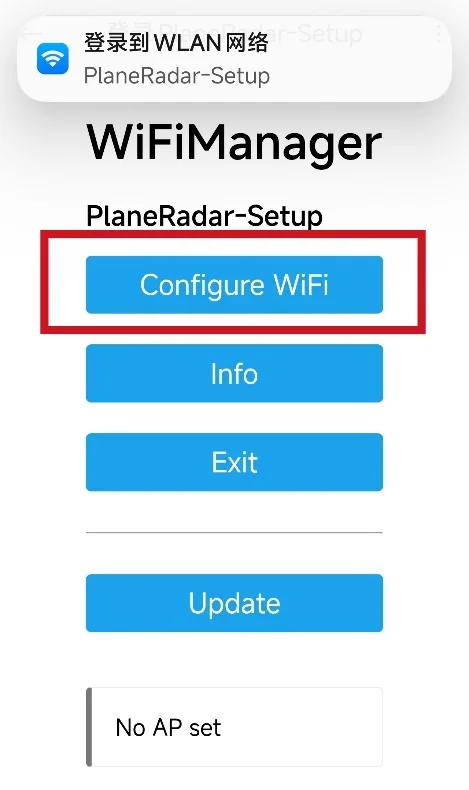
DeskRadar — Your Personal Desktop Aircraft Radar
1. Download firmware
2. Open web.esphome.io in your computer browser, press and hold the button on the back, and insert the data cable already connected to your computer to prepare for flashing the firmware.
3. Click Connect, and select the USB JTAG COM device in the pop-up window.
4. After the device is connected, click the small arrow next to the blue button to upload.
5. Select the firmware package that you placed on your desktop in step 1.
6. Click Upload. After the upload is complete, plug and unplug the power cable once. If the screen displays the firmware, the update is successful.
7. If the update fails, press and hold the button on the back and plug the cable back into the computer, then start from step 3 again.